MagsGraphics Products

MagsGraphics' Digital Art is exclusively available for Artisan Software users at FOREVER

Showing posts with label My Memories. Show all posts

Monday, August 17, 2020

We are CRUSHING CANCER for $2T!


It's $2 Tuesday!  This is your chance to grab an entire BUNDLE for just $2!  This deal is only for ONE SAY so be sure to take advantage of it's absolute lowest price!


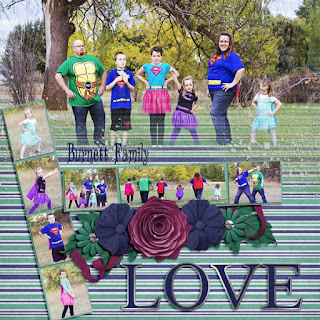
Take a look at LAYOUTS that use this wonderful collection!


Now it's your turn!
Come show off your layouts in the MagsGraphics Fan Group.  I'd love to see your work!

Monday, August 10, 2020

For Your CHAMPION!


It's $2 Tuesday!  This is your chance to grab an entire BUNDLE for just $2!  This deal is only for ONE SAY so be sure to take advantage of it's absolute lowest price!


Take a look at LAYOUTS that use this wonderful collection!


Now it's your turn!
Come show off your layouts in the MagsGraphics Fan Group.  I'd love to see your work!

Monday, August 3, 2020

Get Ready for GAME NIGHT!


It's $2 Tuesday!  This is your chance to grab an entire BUNDLE for just $2!  This deal is only for ONE SAY so be sure to take advantage of it's absolute lowest price!


Take a look at LAYOUTS that use this wonderful collection!


Now it's your turn!
Come show off your layouts in the MagsGraphics Fan Group.  I'd love to see your work!

Thursday, July 23, 2020

MagsGraphics STORE CLOSING at MyMemories

Hey Scrappy Friends -

I have some bittersweet news to share.  The sweet part is that I have some exciting opportunities on the horizon.  The bitter part is that the opportunities mean some transitions are ahead.  The first big change is that my Store at MyMemories will close on July 31st.


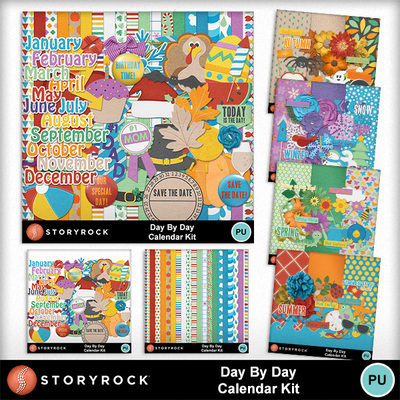
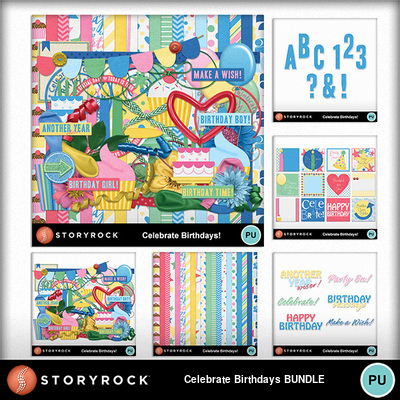
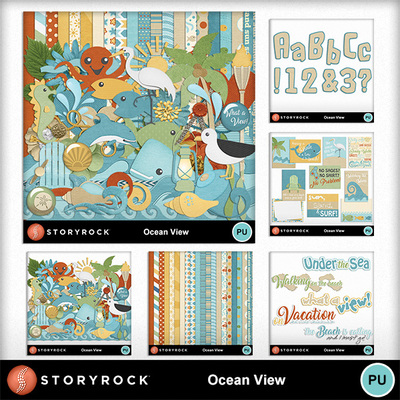
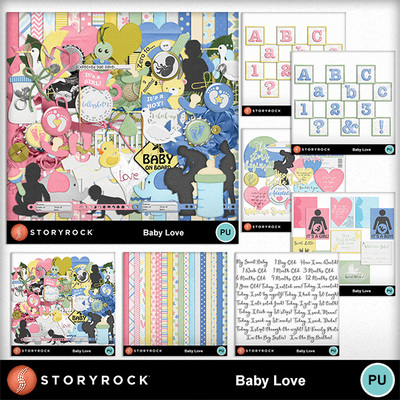
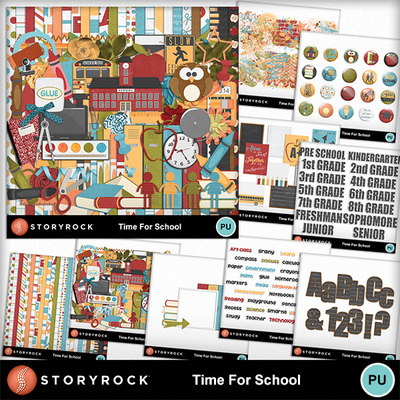
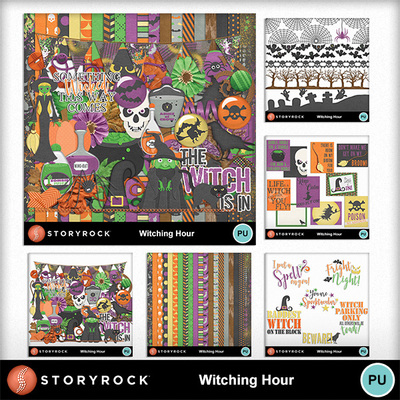
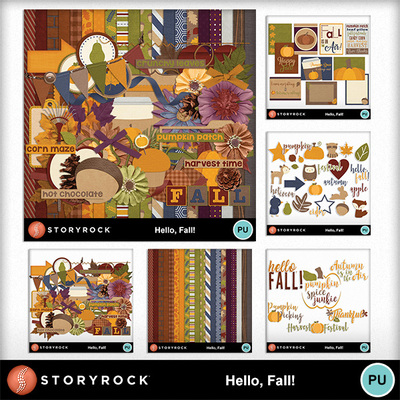
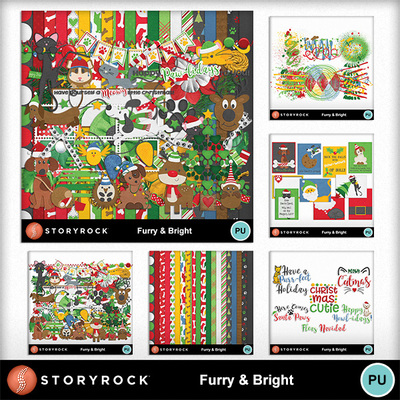
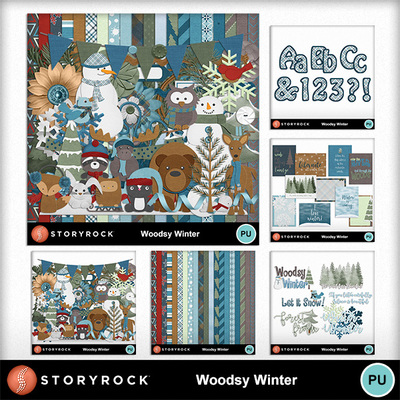
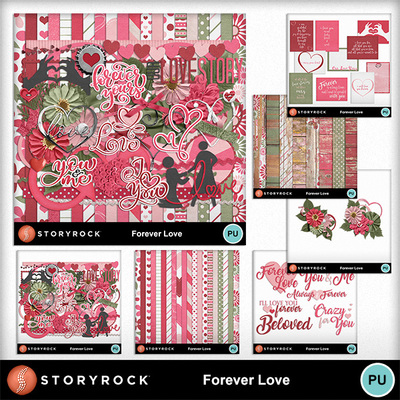
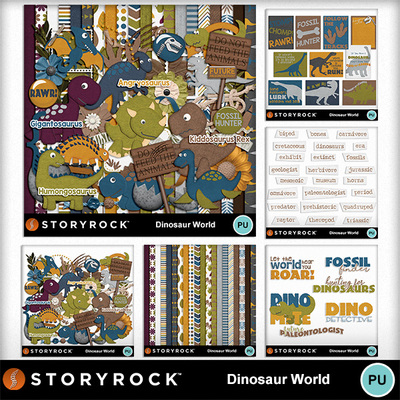
From July 24th-31st, you can save 50% on all of MagsGraphics-branded products - AND 50% on these Bundles I created for the StoryRock brand:
Sr_mgx_daybyday_bndle Sr_mgx_celebratebdays_bndle Sr_mgx_weddingday_bndle
Sr_mgx_oceanview_bndle Sr_mgx_babylove_bundle Sr_mgx_timeforschool_bndle
Sr_mgx_witchinghr_bndle Mgx_sr_hellofall_bndle Mm_mgx_furrybright_bndle
Sr_mgx_woodsywinter_bndle Mgx_sr_foreverlove_bndle Mgx_sr_dinoworld_bndle
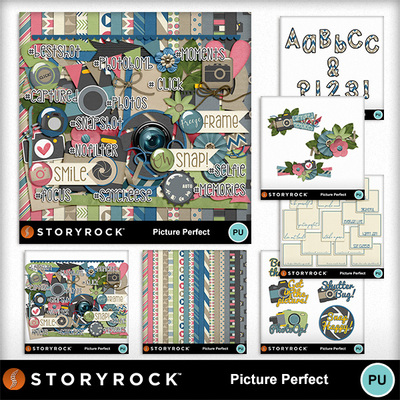
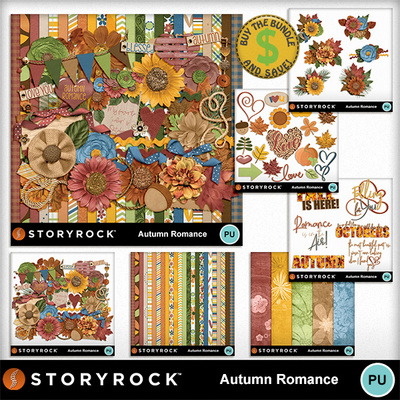
Mgx_sr_pictureperfect_bndle Mgx_sr_autromance_bndle
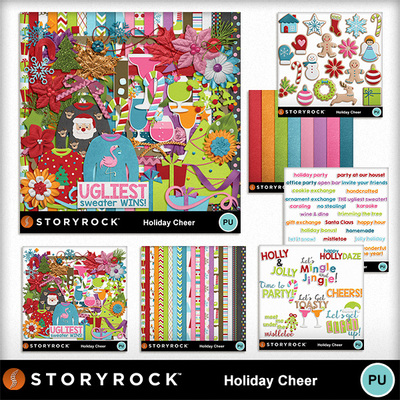
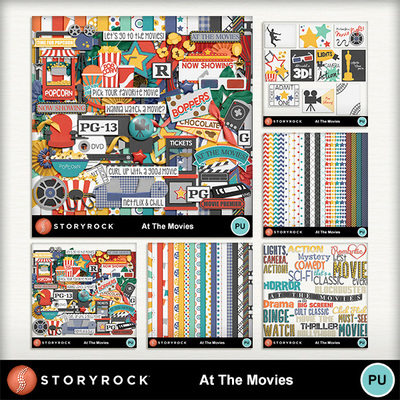
Mgx_sr_holidaycheer_bndle Mgx_sr_movies_bndle

July 31st is the LAST DAY 
that MagsGraphics' products will be available for purchase at MyMemories.
(Anything I designed for StoryRock or the MyMemories CU brand stays with MyMemories.)

I can't believe it's been nearly 10 years since I started my design journey at MyMemories!  We've had a blast, haven't we?!

I hope you all will stay connected with me as we see what big adventures lie ahead.  You can find me on any of these portals on the Web:


SUBSCRIBE TO THIS BLOG (link in the right column-->)
 SUBSCRIBE TO MY NEWSLETTER


  At this time, my store at Gingerscraps remains open, and my Guest Experience at Forever continues through August.

heart flowers
THANK YOU, MyMemories customers, for shopping with me and supporting my work.  I appreciate you!


Tuesday, July 7, 2020

TUTORIAL: Creating Starburst Papers in MyMemories

Hey MyMemories Friends!
This is Mags from MagsGraphics - here to share some scrappy fun with you!  STARBURST/SUNBURST papers are a popular trend right now.  Today, I’m going to show you how to create your own starburst/sunburst papers in MyMemories Suite - using your own colors or papers from a kit.

Note - This tutorial by me was originally published on the MyMemories Blog on May 24, 2019.

This Video Tutorial uses MyMemories Suite Software (Save $10 OFF the purchase price with this code: STMMMS90118) and references the OLD FRIENDS Collection.

For those who prefer WRITTEN INSTRUCTIONS, here are the basics.  

  1. Start a new canvas.  
  2. Use the shape tool to add a right triangle.  Enlarge your triangle so it is at least half the size of your canvas.
  3. Duplicate and rotate additional triangles around your canvas so they meet at a center point.
  4. Change the colors of your triangles or cover them with your favorite paper.
  5. You can adjust the wide-ness of your original triangle to something long and narrow before you duplicate and rotate it for a different look.
  6. If you are going to build a layout from this, you can cover any imperfections at the center with a photo or elements.  
  7. If you are going to save this as a background paper to use again in a future layout, make sure there are no shadows on your shapes.  Arrange everything so the points of the triangles line up cleanly in the middle.  At the top toolbar, go to SHARE → EXPORT → JPG → LARGE and save this to your computer.  You can bring it in as “outside content” and use it as a paper in future layouts!


Thanks for following along!  I would love to see your results of this tutorial!  Show them off in any of these Facebook Groups, and be sure to tag me!

Friday, July 3, 2020

Ride The Day Away At Your Favorite Amusement Park!

Hey Scrappy Friends - 

Disney is starting it's phased re-opening this month, and I know so many of my friends are excited about that!  I have a new collection at MyMemories called 
that you will be able to use for your trips to the wonderful world of Disney.
Take a look:

In the BUNDLE, you'll get 42 papers, 90 elements, 8 word art, and 2 bonus roller coasters!


The MAIN KIT has OVER 100 items - including 22 Papers and 90 Elements!
The little people are individual files and can be added to the front-facing roller coaster and the spinning teacup ride.


The WORD ART pack holds 8 great Word Art to accent or title your layouts.


Need more papers?  This EXTRA PAPER Pack has another 20 papers that match!


The ONLY WAY you can get these ROLLER COASTERS is with the BUNDLESo be sure to grab the full collection here!

Look at these amazing LAYOUTS that use the collection:


This collection is 50% OFF for ONE WEEK ONLY, so grab it at it's best price!
I can't wait to see what YOU come up with!
Show off your layouts in my Facebook Fan Group!